
Best CS2 Server Hosting: CPU Priority & Sub-Tick Stability
1. The CS2 Sub-Tick Reality: Why CS:GO Servers Are No Longer Enough
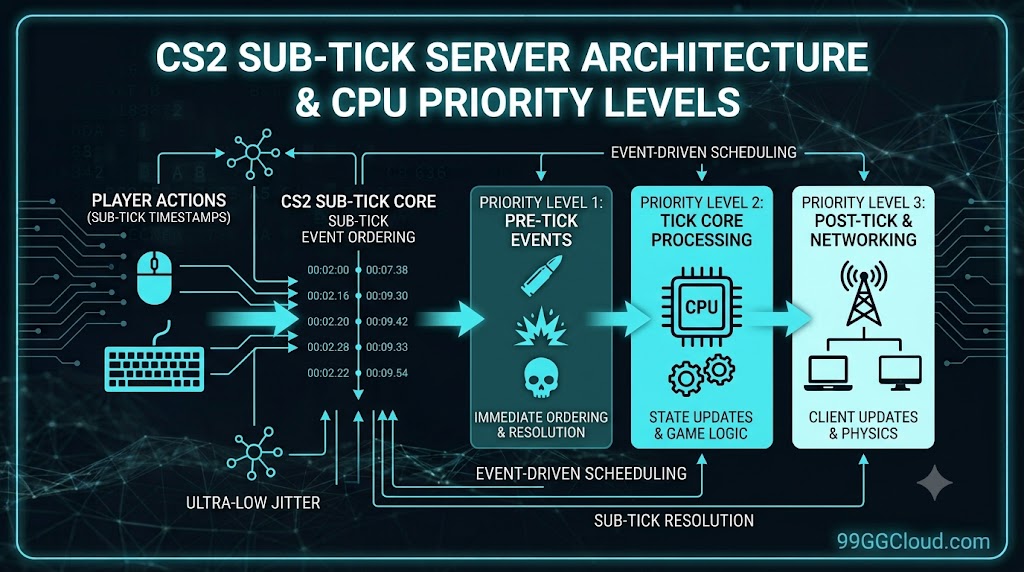
With the launch of Counter-Strike 2, traditional tick-rate systems (64-tick and 128-tick) have officially given way to the Sub-Tick Architecture. This change is not just a software update; it is a complete overhaul of how the server processes network data.
In CS:GO, servers only calculated actions per tick cycle. In CS2, the sub-tick system calculates the exact timestamp you click between ticks. This means the server must work continuously to record and sequence micro-data.
The Impact on Server Hosting
Cheap shared hosting running on older Xeon CPUs, which used to be sufficient for CS:GO, will now cause severe jitter, desync (“ghost bullets”), and frame drops in CS2. To run CS2 smoothly, you need extremely high single-core performance, specifically architectures like Ryzen 9 7950X or Intel Core i9.
2. The 9GG CLOUD Evaluation Criteria (Lab Standard)
At 9GG CLOUD, we don’t evaluate providers based on marketing claims. Below are the 4 core technical metrics a CS2 Server Hosting provider must meet:
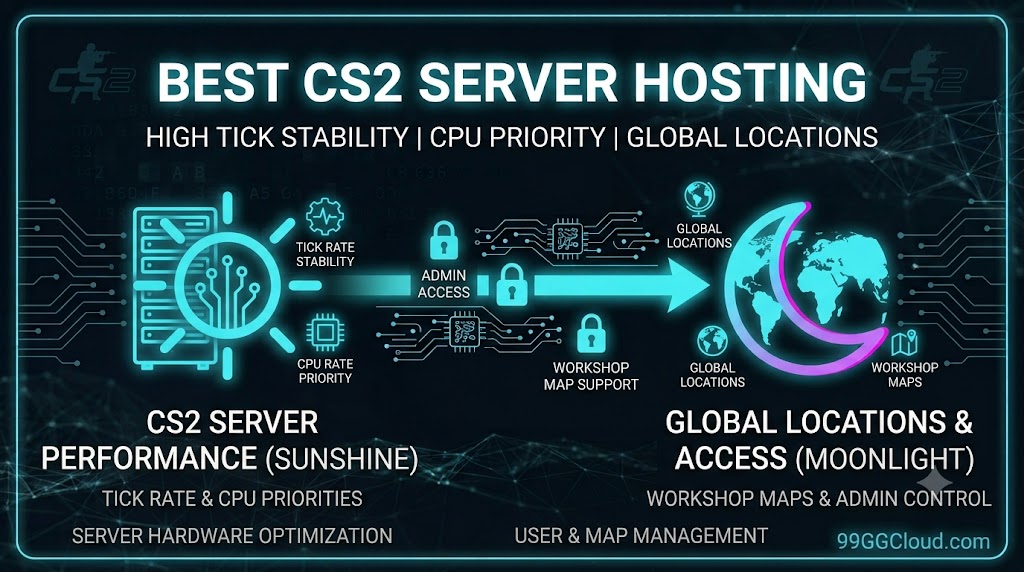
- Tick Rate Stability & CPU Priority: The ability to maintain absolute server framerate stability (Server FPS) under heavy load (e.g., multiple players, smokes, and molotovs simultaneously). The server must be granted CPU Priority to avoid being bottlenecked by neighboring instances.
- Global Locations & Routing: For CS2, a ping under 30ms is a prerequisite for competitive play. Providers must have direct routing and dedicated Layer 3/4 DDoS protection tailored for gaming.
- Workshop Maps & MatchZy Support: Must integrate an API allowing 1-click map installations from the Steam Workshop, while easily supporting standard competitive plugins (like MetaMod, CounterStrikeSharp, MatchZy).
- Full Admin Access (RCON/FTP): Comprehensive access to the
server.cfgfile via FTP and direct in-game management via RCON commands.
3. Top CS2 Hosting Providers Comparison
Based on real-world tests from our lab, below is the categorization of CS2 server tiers based on hardware architecture and sub-tick responsiveness.
| Server Tier | CPU Architecture | Sub-Tick Stability | Workshop / FTP | Best Use Case |
|---|---|---|---|---|
| Tier 1 (Esports Grade) | Dedicated Ryzen 9 7950X | Ultra-high (Zero Variance) | 1-Click API + Full FTP | 5v5 Competitive, Scrims, Tournaments |
| Tier 2 (Premium Shared) | Intel Core i9 / Ryzen 7 | Stable (Minor Variance) | Control Panel + FTP | Playing with friends, 10v10 Public |
| Tier 3 (Budget) | Intel Xeon Scalable | Average (Lag drops) | Manual Setup | Surf, KZ, or config testing |
Lab Note: Never compromise with Tier 3 if you plan to set up a Retake or competitive server. The jitter variance on older Xeon CPUs will completely ruin the sub-tick mechanics.
4. Basic Configuration Guide (Admin Access & Workshop)
After renting a solid server, proper configuration is the next step. These are the most basic commands you need to add to your server.cfg file via the Control Panel or FTP.
Setting up RCON Password
To use direct management commands in-game, you must assign an RCON password:
rcon_password "YourSecurePassword"
sv_password "ServerPassword" (If you want a private server)
Integrating Steam Workshop Maps
CS2 no longer uses manual map download commands like CS:GO. For the server to automatically pull maps from your collection:
- Create a Collection on the Steam Workshop and get the Collection ID (the numbers at the end of the URL).
- Get the Steam Web API Key from your Steam account.
- Add these to the server’s Launch Parameters:
+host_workshop_collection [Collection_ID] +authkey [Steam_API_Key]
5. Network Lab: Test Your Home Network Latency Before Buying
A Tier 1 server with a Ryzen 9 CPU becomes meaningless if your home network (Client-side) has issues. CS2’s sub-tick mechanism is extremely sensitive to Packet Loss and Jitter (Ping variance).
- Eliminate Wi-Fi: Playing CS2 over Wi-Fi is technical suicide. Read our Ethernet vs Wi-Fi for Gaming test to see the stark difference in latency.
- Measure before buying: Check if your network is suffering from Jitter. Access the 9GG CLOUD Readiness Test (Network Lab). If your Jitter is > 5ms, you need to troubleshoot your router before blaming the server provider.